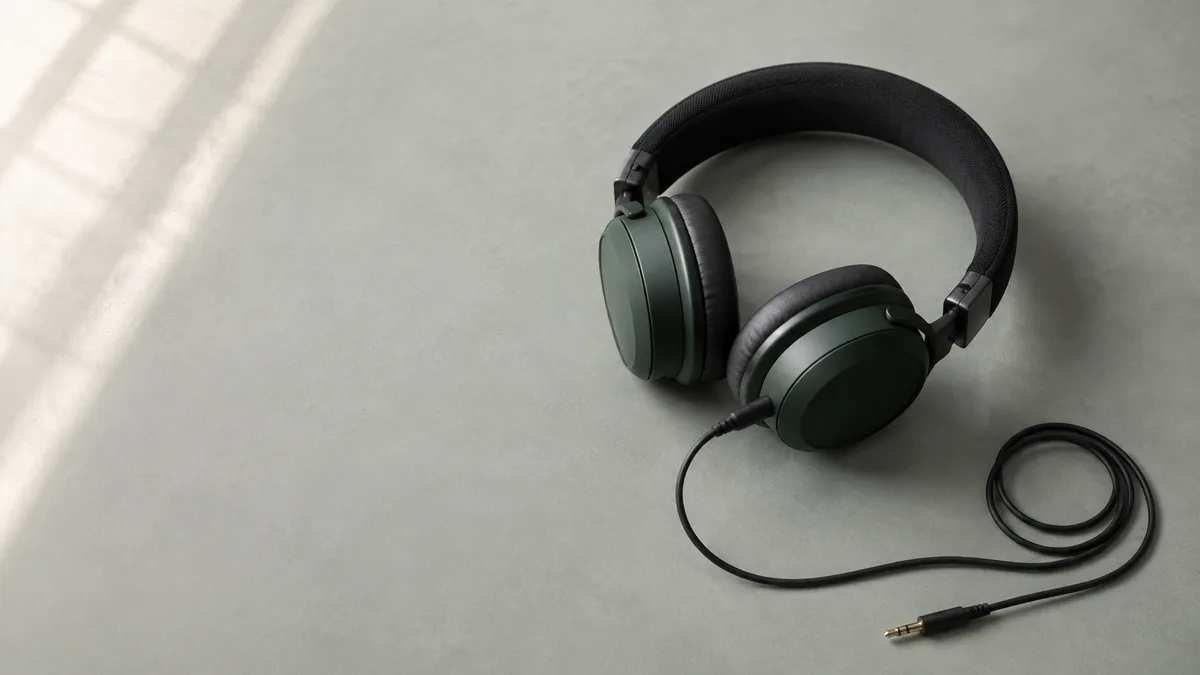
Stereo is audio with separate left and right channels. Differences between those channels let sounds appear to the left, right, or somewhere between. You can hear it through a pair of headphones or two speakers.
A singer seems to stand between your speakers, even though nothing is sitting there. A guitar comes from one earcup. A passing car moves across a movie scene. Those are ways stereo can place sound. The effect can be obvious, but it does not need to be dramatic to work.
To hear the difference for yourself, open the StereoTest stereo test and start at low volume.
How two channels create a stereo image
A stereo image is the arrangement of sounds you hear between left and right. Changing how much of a sound reaches each channel changes where it seems to sit.
Imagine a simple recording with a guitar, a voice, and a shaker. The producer can send more guitar to the left, more shaker to the right, and the same vocal signal to both. You hear a spread of instruments rather than everything occupying one spot. No instrument has physically moved.
This placement is called panning. Ableton's mixing manual describes how pan controls position a track in the stereo field by adjusting its channel levels. Recordings can also contain timing differences and room reflections that contribute to a sense of space. Panning is an easy example, not the only way to make stereo.
The left and right channels do not have to contain completely different music. Most of a song may be shared, with only backing vocals or room sound spreading outward. A quiet verse can feel narrow and the chorus wider without your equipment changing anything.
Stereo vs mono: count signals, not speakers
Mono carries one audio channel; stereo carries a left and a right channel. Playing the same mono signal through two speakers does not add stereo separation.
That distinction comes up in a Reddit discussion about stereo and mono. Replies explain why a mono track still plays through both speakers, while stereo can put different material on each side. Hearing both speakers work is therefore not enough to identify the recording format.
A file can even store two identical channels. It has a two-channel container, but no left/right differences to produce width. Ableton documents this duplication when mono material travels through its stereo signal path. Copying a waveform does not invent a second perspective.
Neither format guarantees better sound quality. A clean mono voice recording can be easier to follow than a noisy stereo recording. Stereo describes channel arrangement, not clarity, recording skill, or whether a file is lossless. For one-ear listening or a permanent mono export, see how to combine left and right audio channels.
Why a voice can sound centered
The same sound played in sync at matching levels through left and right speakers can seem to come from the middle. This is called a phantom center.
There is no hidden third channel in an ordinary stereo recording. Your two speakers are creating a perceived position between them. It is easiest to hear when you sit roughly the same distance from each speaker, with their levels matched.
Move noticeably toward one speaker and that centered image may pull toward it. PS Audio's guide to center imaging discusses this dependence on symmetrical placement and the listening position.
In a Reddit thread about skipping a center speaker, one commenter describes convincing center sound from the middle seat but a weaker illusion off to the side. Another preferred a dedicated center. Those experiences explain why a setup that works for one chair may not work equally well across a sofa.
Use Both on the homepage channel test to hear equal sound from both outputs. A centered result is expected here; it does not mean stereo is broken.
What headphones and speakers change
Headphones feed each channel mainly to its corresponding ear. With speakers, both ears hear both speakers, along with sound reflected by the room.
That makes a hard-left sound feel very isolated in headphones. On speakers, you still hear it with both ears, but locate it toward the left speaker. Ordinary stereo headphone playback can place sounds inside your head rather than out in front of you. That alone is not a fault.
For headphones, check the L and R markings and wear both sides correctly. A loose earbud seal can make one side seem thinner, especially in the bass. The headphone test gives you separate channel and frequency checks without relying on a song's mix.
For speakers, start from a centered seat with neither speaker hidden behind furniture. Two speakers pushed together have little physical space in which to form a wide image. Before replacing equipment, compare a centered listening position with your usual seat using the speaker test. Change one thing at a time so you know what helped.
Is stereo the same as surround or spatial audio?
No. Conventional stereo has left and right channels. Surround adds channels around the listener; spatial audio processing can also create directional cues through headphones.
Common setup labels
- 2.0 stereo
- Left and right playback, without a subwoofer.
- 2.1 stereo setup
- Left and right speakers plus a subwoofer. It still need not have rear channels.
- 5.1 surround
- Five main channels plus a low-frequency effects channel.
Dolby's explanation of 5.1 describes discrete channels including center and surrounds. The extra positions are different from simply making a stereo pair louder or wider.
Headphone processing is another case. Dolby describes Atmos playback on headphones, where the presentation is rendered for the listener rather than requiring a physical speaker in every apparent direction. A headset's surround mode does not mean there are seven independent speaker positions around you.
When checking basic left/right routing, temporarily disable spatial or virtual-surround processing if possible. Restore it afterward if you prefer its sound. This makes the test easier to interpret, not a judgment about which listening mode is best.
Why some stereo recordings sound uneven
A recording can deliberately put an instrument or voice far to one side. If other recordings and channel tests sound normal, that imbalance may belong to the mix.
In a Beatles listener's Reddit question about mono, the original poster asks what differences to listen for. One reply dislikes the strong left/right panning in older stereo versions on headphones. Other replies discuss differences between particular mixes. The useful distinction is between disliking a mix and finding a hardware fault.
Compare the same short passage, at a similar volume, with another version if one is available. Listen for where the vocal sits and whether an instrument stays on one side. Do not assume every release uses the same mix, or that the widest version must be the most accurate.
If one side is consistently quieter across unrelated recordings, check the device's balance setting and headphone fit. Try the audio balance test to compare your impressions over several rounds. It records your choices; it does not diagnose the equipment or your hearing.
Hear stereo on your own setup
Play a known left signal, a known right signal, and then both together. This checks direction before you judge stereo width in music.
- Connect your headphones or speakers, select the intended system output, and lower the volume.
- Open the stereo test and click Start Stereo Test. The guided sequence plays Left, Right, then Both.
- Compare each sound with the on-screen direction. Left and Right should come from their named sides; Both should sound centered on a balanced setup.
- Open More audio tests for the left-to-right sweep or stereo/mono comparison. Listen for movement or width, rather than turning the volume up.
If every signal sounds centered, check whether system Mono audio is enabled. On a phone, follow the guide to enabling stereo sound on Android for the relevant settings. If the directions are reversed, check headphone orientation or speaker connections. If nothing plays, confirm that the browser is unmuted and using the output you intended before trying again.
The stereo/mono comparison uses generated test sounds. It does not change another app's audio or repair system settings. A normal result means the directions matched your judgment during that test. Once they do, return to a familiar recording and listen for the positions of individual instruments.